How to Set Up a Digital Loyalty Program for Your Restaurant in 5 Minutes
It's Easier Than You Think
Many restaurant owners want to digitize their loyalty programs but hesitate because they think it requires custom app development, expensive hardware, or complex POS integrations. Good news: it doesn't.
With modern platforms, you can launch a fully functional digital stamp card system before your morning coffee gets cold. Here's how.
Step 1: Define Your Reward Structure
Keep it simple. The most successful loyalty programs are easy to understand. The classic "Buy 9, Get 1 Free" works perfectly. Decide what the reward will be—a free coffee, a complimentary appetizer, or a percentage discount.
Step 2: Customize Your Card
Your loyalty card should reflect your brand. Upload your logo, choose your brand colors, and set a background image. This helps build brand recognition every time a customer opens their digital wallet.
Step 3: Train Your Staff
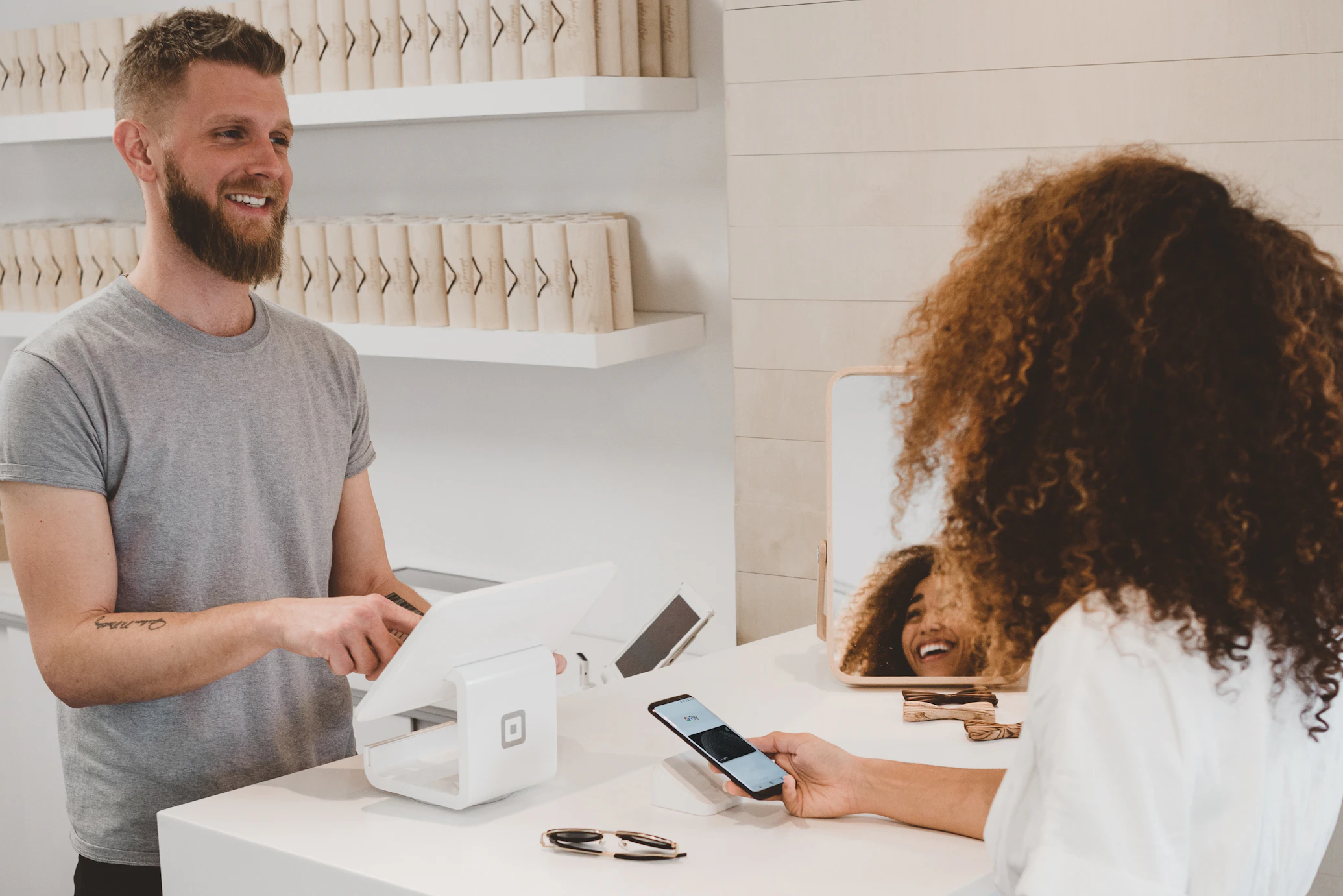
This is often the easiest part. Unlike clunky POS integrations, modern systems just require a smartphone or tablet. The customer shows their unique QR code, the cashier scans it using the scanner app, and a stamp is instantly awarded. It takes less than 3 seconds.
Step 4: Launch and Promote
The final step is letting your customers know! Print a small tabletop sign with a QR code that says "Join our new digital loyalty program." When customers scan it, they instantly get their card. No app downloads required.
Ready to get started? You can set up your first card on StampKit today, completely free.
Written by StampKit Team
StampKit helps local businesses increase customer retention through beautiful, simple digital loyalty cards. We write about marketing strategies for cafes, restaurants, and retail stores.
Start your free 3-day trial →